
System Snapshot
Sends a compiled report about the current Craft installation, on demand and/or on a recurring schedule.
System Snapshot compiles a report about the current Craft installation, and sends it via your configured message type. The report data includes basic Craft information, plugin versions (including pending updates), and queue health.
Twig Variables
Report data will be available in the message template under the report Twig variable.
See the System Snapshot variables for the full reference and examples.
Send Manually
After saving the notification, a "Send" button will appear in the page header (next to the "Save" button). Click it to compile and send the report immediately.
Send on a Recurring Schedule
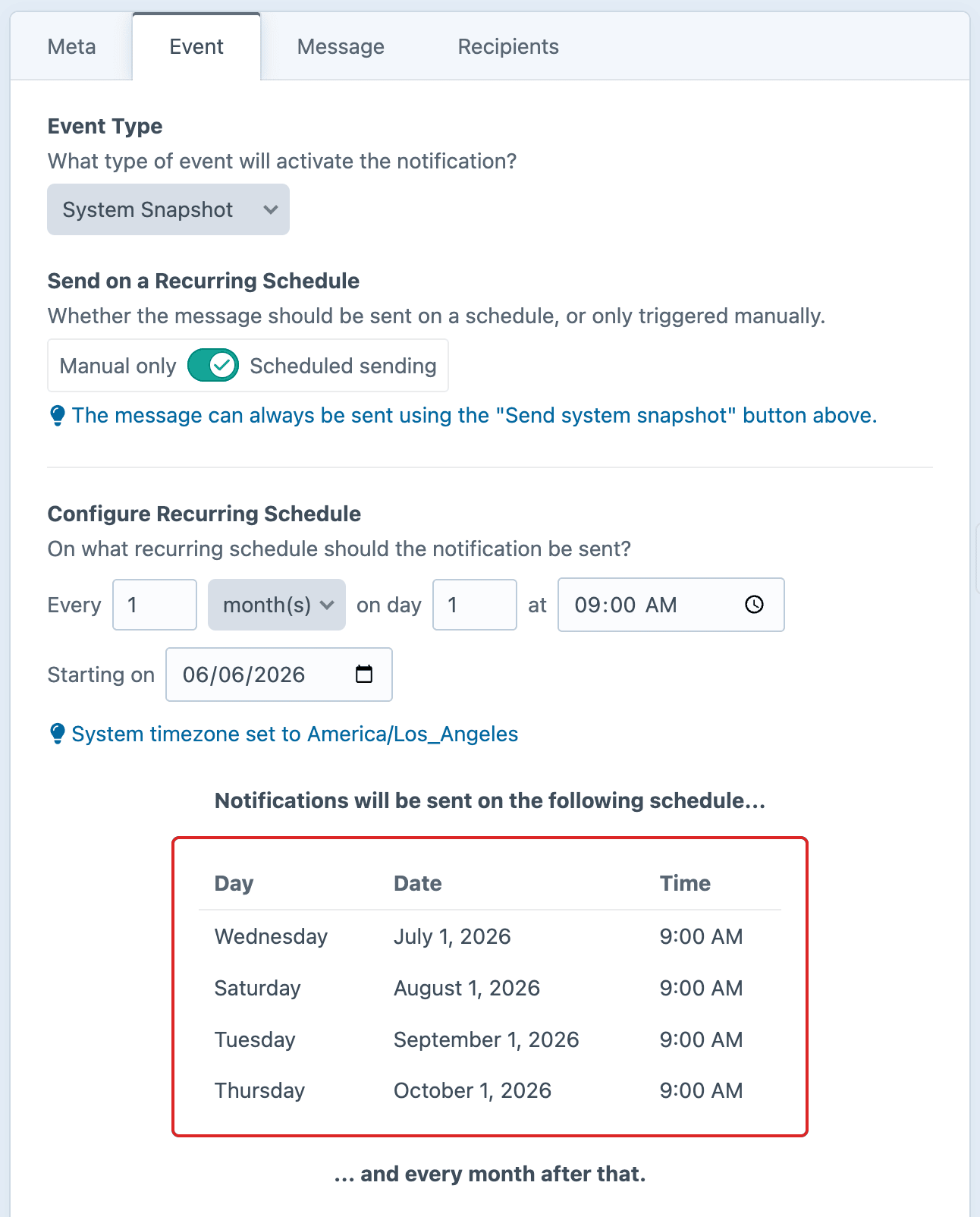
Enable Send on a Recurring Schedule to send reports automatically. Configure the schedule to determine how frequently it will be sent out.
Set up Scheduled Sending
Before this trigger will fire, you will need to run the schedule on a recurring basis.
Configure Recurring Schedule
After enabling Send on a Recurring Schedule, configure the ongoing cadence:
| Control | Description |
|---|---|
| Every | Frequency of runs |
| Unit | Days / Weeks / Months / Years |
| On |
|
| At | Time of day |
| Starting on | Date the schedule begins |
Max 28 days per month
Day of the month is capped at 28, so that every month (including February) always has the specified day.
Missed opportunities
If a scheduled run is missed for any reason (e.g. the server was down or the cron didn't fire), only one notification will be sent on the following scheduled run. Missed runs will not be retried automatically.