
Pushover
Sends a push notification to one or more Craft users via Pushover when the notification event is triggered.
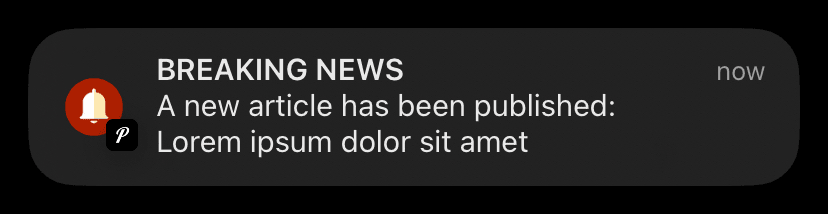
To receive messages, each Craft user will need their own Pushover account.
Each user's unique Pushover User Key should be stored in a custom plain-text field on their User profile.
Pushover Setup Required
Before sending Pushover messages, set the Application API Token via Settings → Pushover.
Config
For each Pushover notification, be sure to specify the field containing each user's Pushover key.
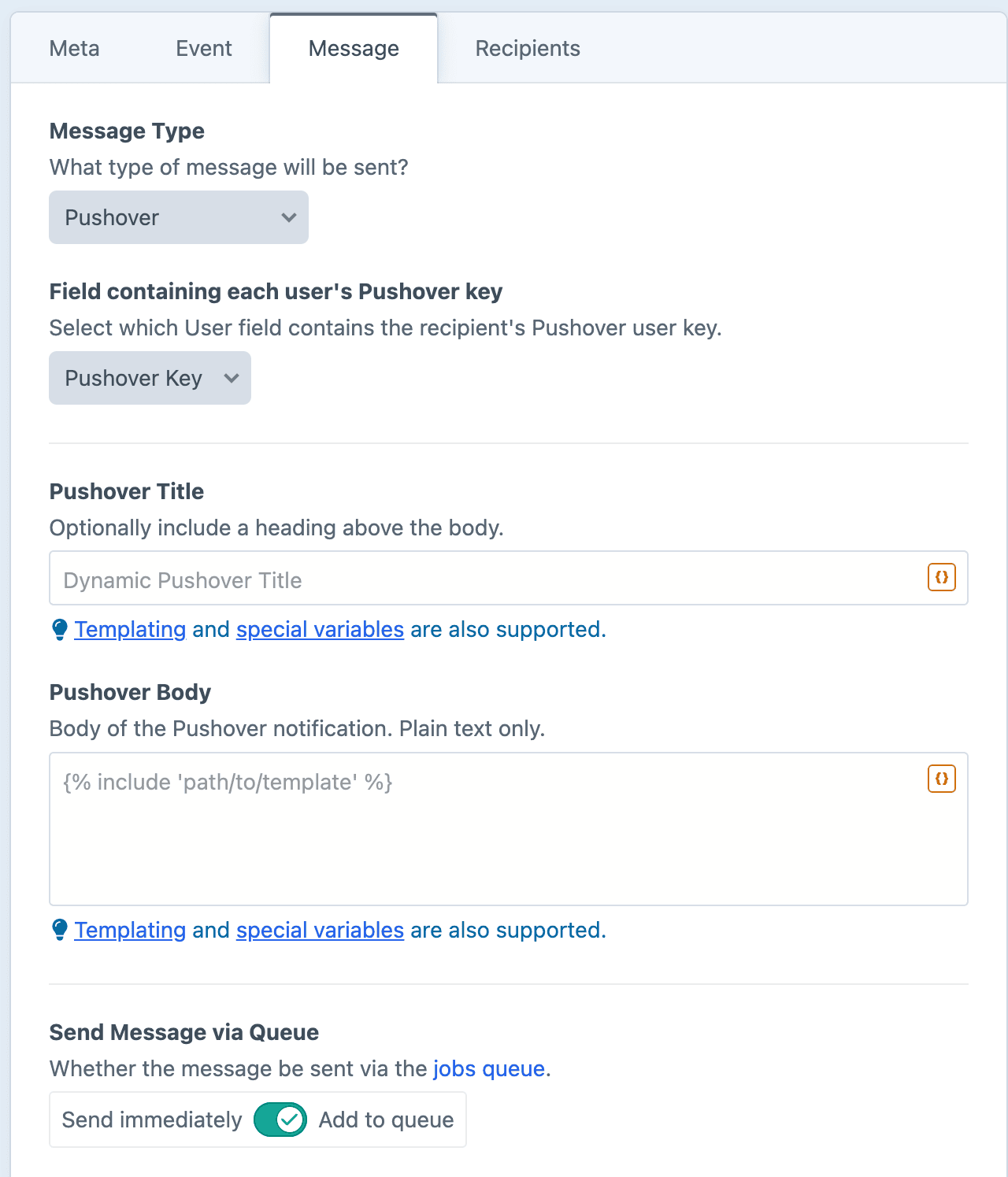
Field containing each user's Pushover key
Select which User field holds the recipient's Pushover user key.
Pushover Title
Optionally include a heading above the body.
Pushover Body
The body of the Pushover notification. Plain text only.
Dynamic Message Fields
As noted in the screenshot above, all text fields can use templating and special variables.
Pushover Recipients
Pushover messages can be sent to standard User-centric recipient types.
For each recipient, Notifier will read the field containing each user's Pushover key. Whatever user field was specified will be referenced for the recipient's Pushover user key for that outbound message.
Users with an empty key field will be skipped.
Examples
Ping admins when a new user signs up
{{ user.friendlyName }} just created an account.Flag a new file upload
New upload: {{ asset.filename }} ({{ asset.size|filesize }}).Alert on a high-value order
{% if order.totalPrice < 1000 %}
    {% skipMessage "Below the alert threshold." %}
{% endif %}

Large order: {{ order.totalPrice|currency }} from {{ order.email }}.