
Email
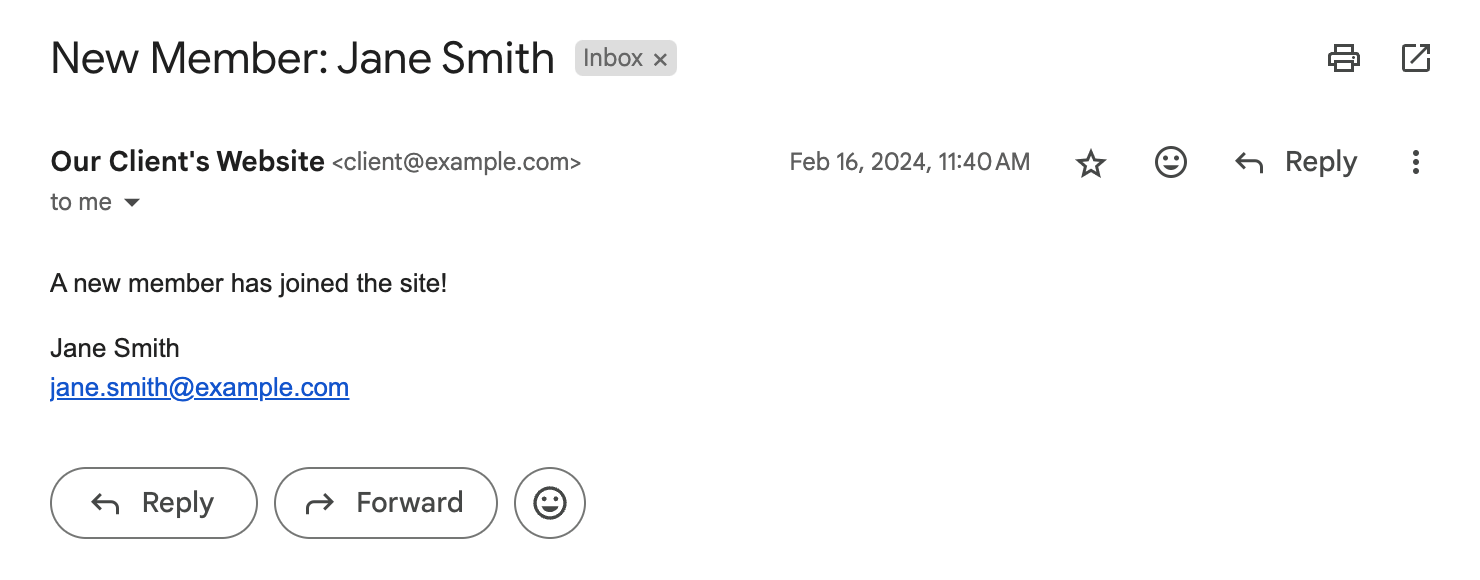
Sends an email when the notification event is triggered.
Config
Dynamic Message Fields
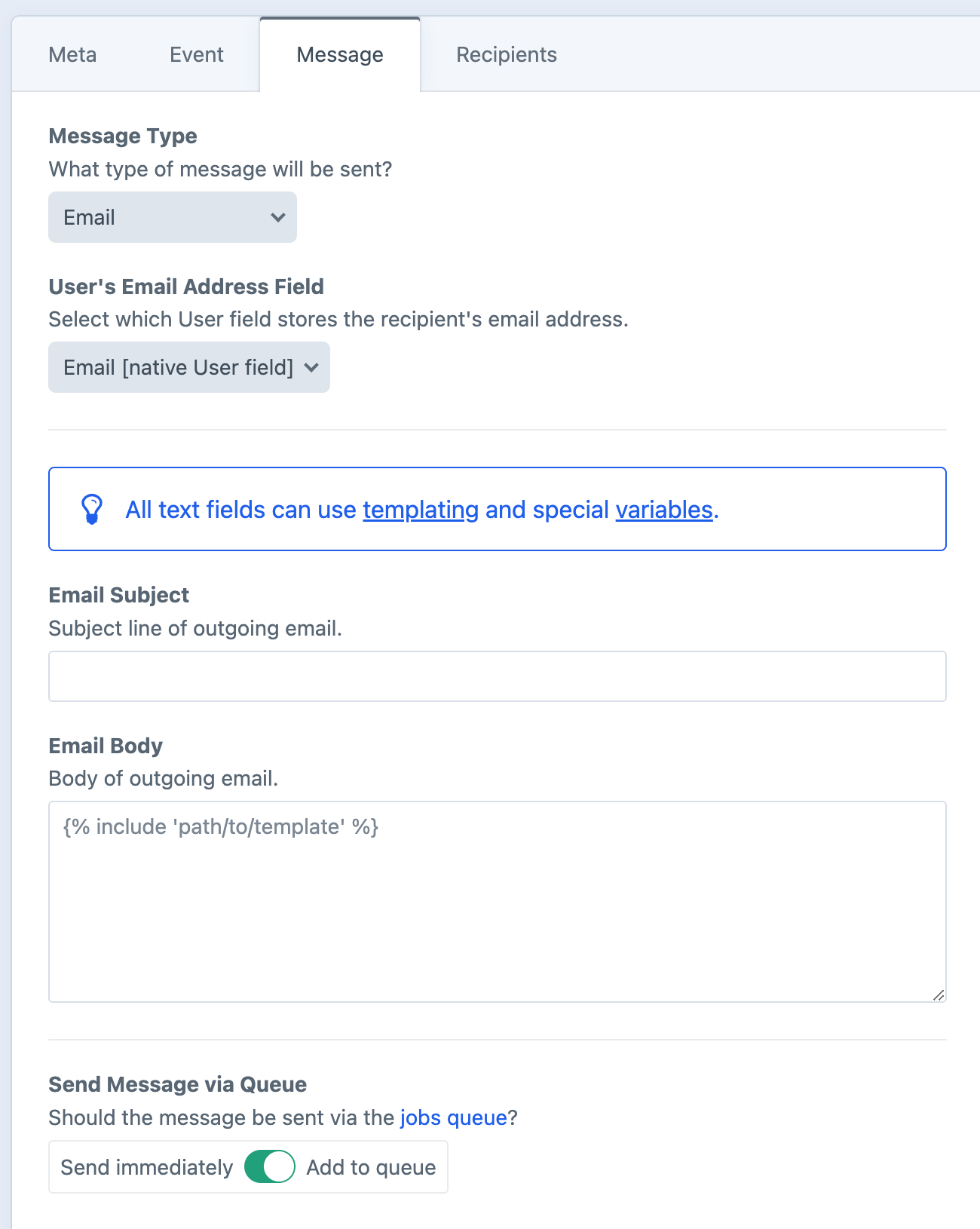
As noted in the screenshot above, all text fields can use templating and special variables.
User's Email Address Field
Select which User field holds the recipient's email address.
Email Subject
The subject line of the email.
Email Body
The body of the email, supports HTML. Switch between "Rich Text" and "Code" modes at any time.
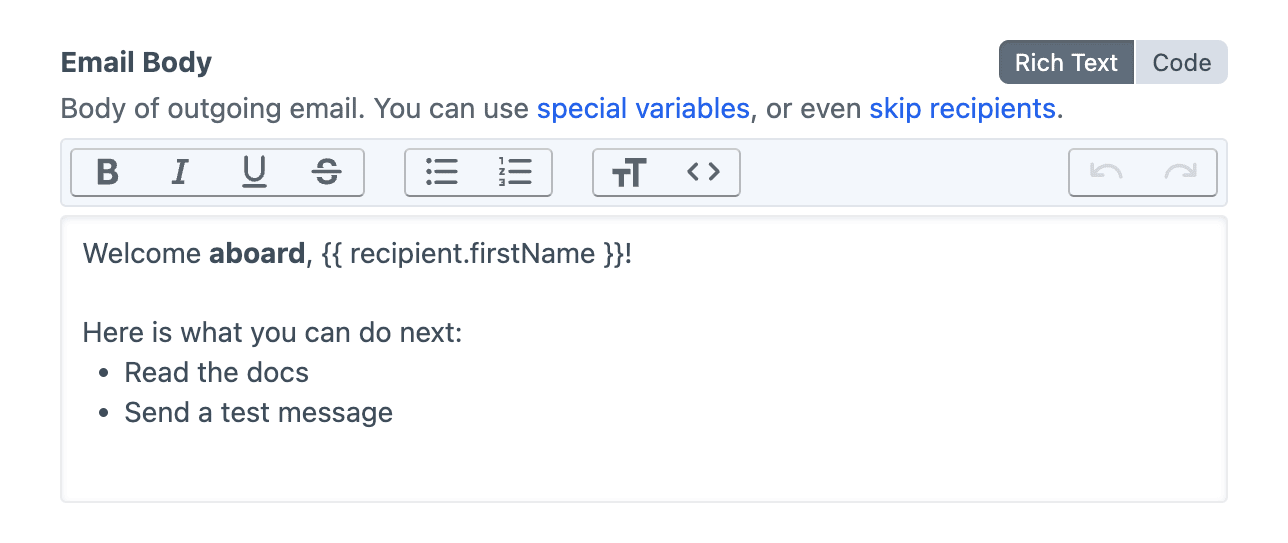
Rich Text- A basic WYSIWYG editor for writing prose-heavy notifications, with minimal inline Twig interpolations.Code- A code-editing interface which provides Twig hints and syntax highlighting, making it easier to write complex Twig logic.
For intricate Twig logic, use Code mode or an {% include %} pointed to a hard-coded Twig template file.
Troubleshooting
When sending email messages, Notifier relies on Craft's own internal mail configuration.
Problems sending out emails?
Follow the official Craft guide for Troubleshooting Email Errors.