
Flash Message
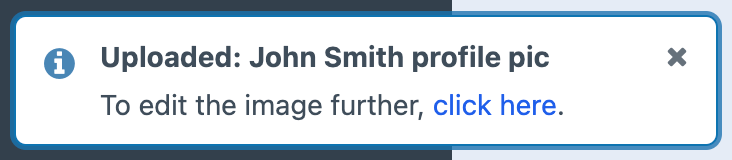
Posts a flash message when the notification event is triggered.
Config
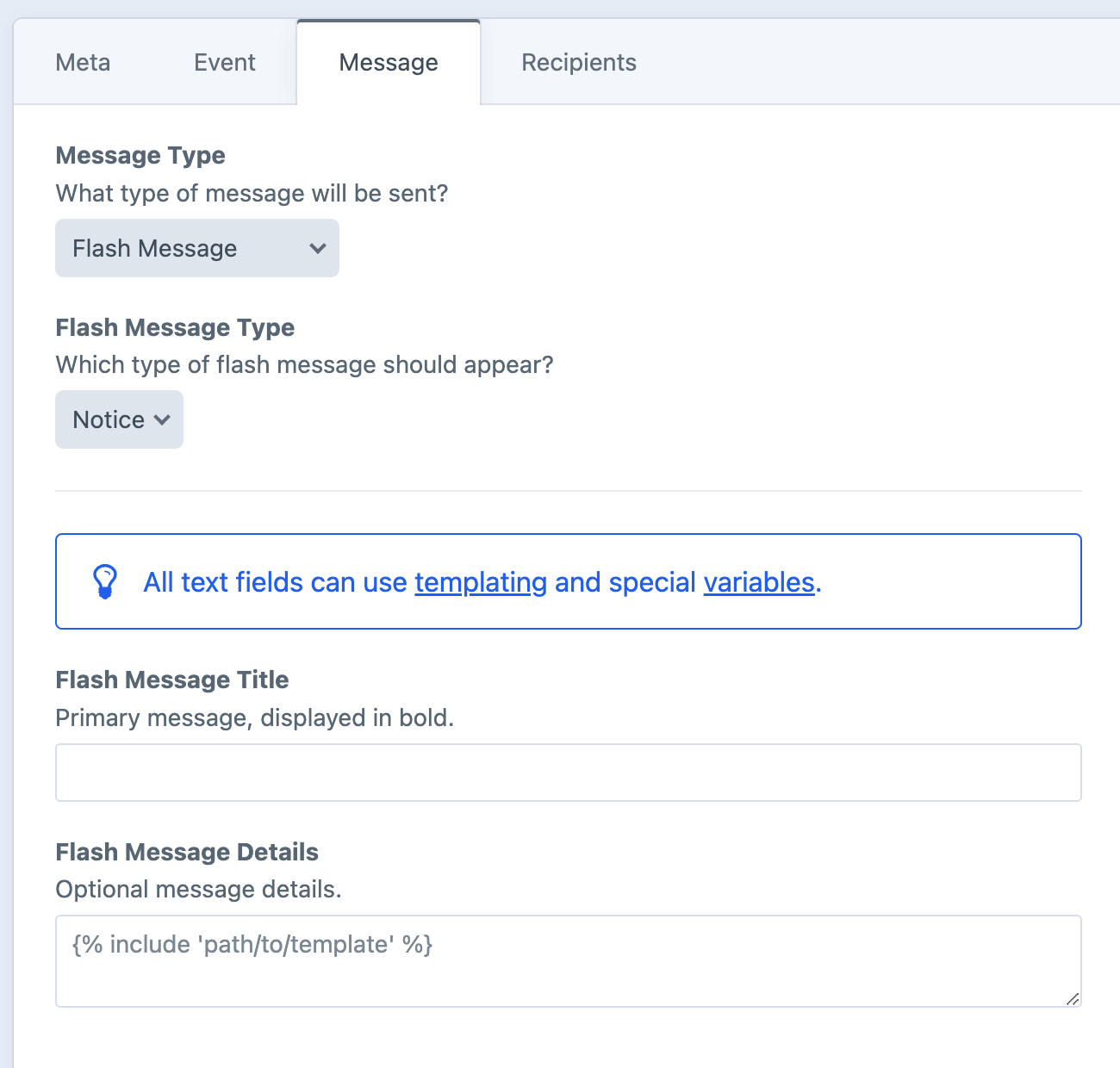
Flash Message Type
The style of flash message to show.
Flash Message Title
The heading of the flash message.
Flash Message Details
Optionally include details below the heading. Supports Markdown and HTML.
Dynamic Message Fields
As noted in the screenshot above, all text fields can use templating and special variables.
Flash Message Recipient
Only the current user will be able to see the message.
It will briefly appear in the bottom-left corner of the control panel. The message will appear only once, after the user triggers the event and refreshes (or goes to a new page).
Sent Immediately
Unlike other message types, flash messages never use the queue. They're attached to the active session at the moment the event fires, so there's nothing to defer.
Examples
Flash messages are short by nature. The body is rendered as plain text and shown for a few seconds in the bottom-left corner of the control panel.
Confirm the save
"{{ entry.title }}" was saved.Greet the user by name
Welcome back, {{ currentUser.firstName }}!Confirm an image upload
"{{ asset.filename }}" uploaded ({{ asset.width }}×{{ asset.height }}).