
MQTT
Publishes a message to one or more MQTT topics when the notification event is triggered.
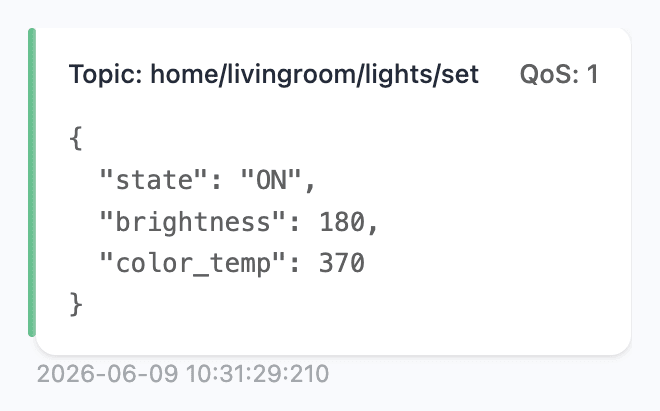
MQTT is a lightweight messaging protocol for the Internet of Things (IoT). It's the common language used by home automation, sensors, and device-to-device setups.
Notifier can act as a publisher, posting messages to a given broker. If your IoT devices are subscribed to the correct topic(s), they will see messages generated by Notifier.
Setup Required
Before sending MQTT messages, configure a broker and add one or more topics via Settings → MQTT.
Config
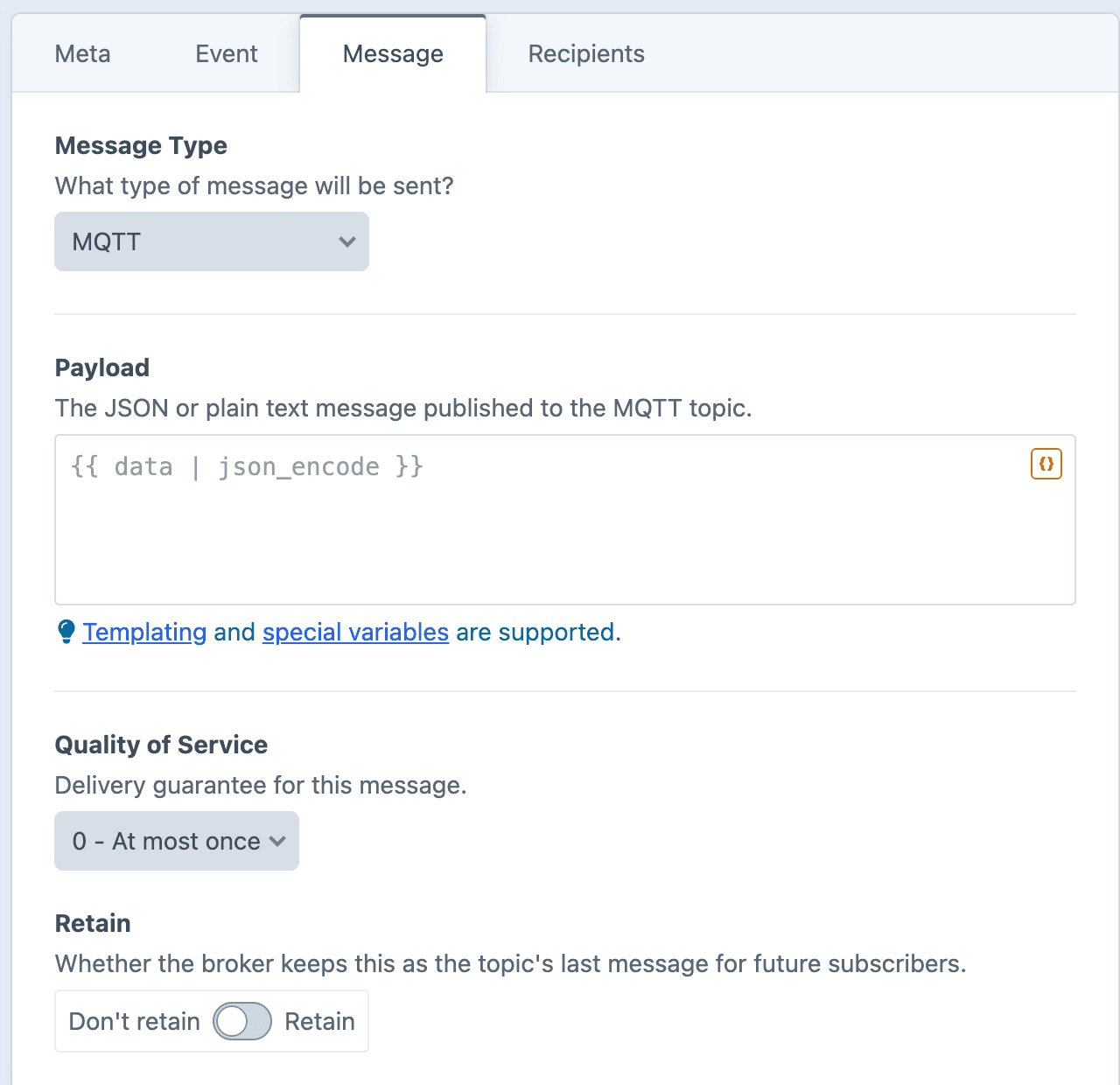
Payload
The message to be published. Can be plain text or JSON.
Dynamic Message Fields
As noted in the screenshot above, all text fields can use templating and special variables.
Quality of Service
Select a QoS level to determine how reliably the message will be delivered:
- 0 - At most once. Fire and forget, with no acknowledgement.
- 1 - At least once. Delivered at least once, possibly more than once.
- 2 - Exactly once. Delivered exactly once, with the most overhead.
Retain
When enabled, the broker remembers this message and delivers it to new subscribers as soon as they connect.
Useful for state like "the lamp is on" that a new device should know right away.
Examples
Toggle a smart device with a JSON payload
{"state": "ON", "brightness": 180}Announce a new entry
New post published: "{{ entry.title }}".Report an order total
{"order": "{{ order.shortNumber }}", "total": {{ order.totalPrice }}}