Configuring Instagram
Setting up both Facebook and Instagram?
If you also plan on setting up Instagram, it's highly recommended to set up both integrations simultaneously.
The setup for Facebook and Instagram are nearly identical. A Facebook Page is required for posting to Instagram.
⚠️ Handling them separately will lead to a significant amount of repeated work.
If using Instagram to publish posts, you'll need an Instagram Business or Creator account linked to a Facebook Page.
Instagram has no posting API of its own. It runs through the same Meta app and Page Access Token as Facebook.
Synergy with Facebook
Instagram uses the Facebook Meta app and Page Access Token. If you are adding Instagram:
- First, complete the two requirements below in the Instagram setup guide.
- When you're done, go to the Facebook setup guide and finish the process.
Get started with Instagram
Convert your Instagram account to Business or Creator
Business/Creator account required
Already using a Business or Creator account? Skip ahead to "Link the account to a Facebook Page".
- Open instagram.com in your browser and log in.
- Click More in the bottom-left corner, then click Settings.
- Find the Account type and tools section, then click Switch to professional account.
- Select Business or Creator, then click Next.
- Click Next through the intro screens, then choose a category that fits your account.
- Work through the remaining prompts to finish the switch.
Link the account to a Facebook Page
The Instagram account must be connected to a Facebook Page.
- Sign in at business.facebook.com.
- If you manage more than one Page, select the correct Page from the dropdown in the top-left corner.
- Click the Settings gear icon in the bottom-left corner.
- In the left sidebar, under Accounts, click Instagram accounts.
- Click the Add button, then click Confirm.
- Log in with your Instagram username and password to finish linking.
Next, follow the Facebook guide
With those two prerequisites in place, follow the complete Facebook setup guide from start to finish. Pay close attention to instructions marked "If also setting up Instagram", as they are critical to get Instagram working properly.
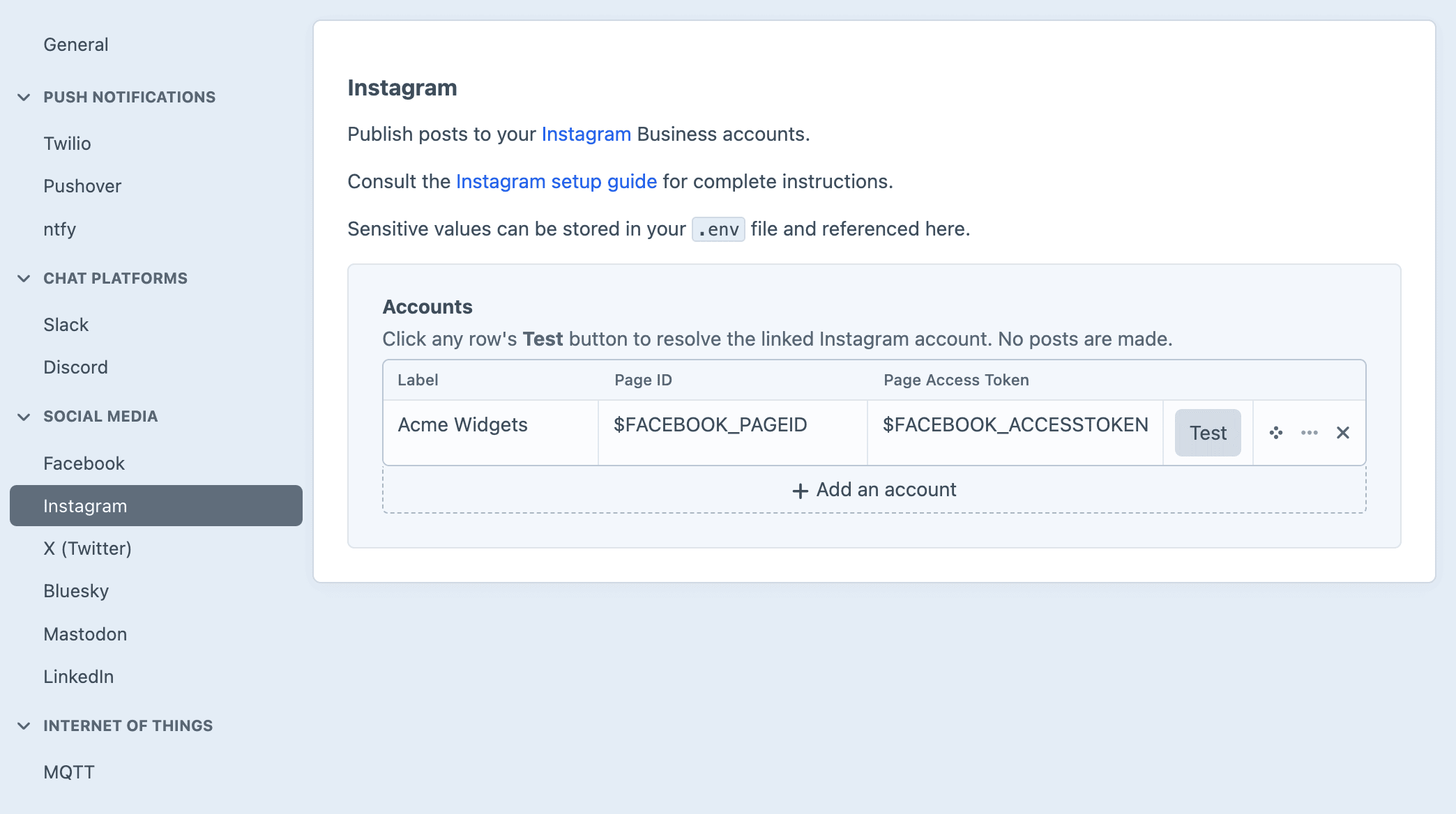
Once you've established the Facebook Page ID and Page Access Token, save them to your .env file and reference them on the Settings → Instagram page.