
Slack
Posts a message to one or more Slack channels when the notification event is triggered.
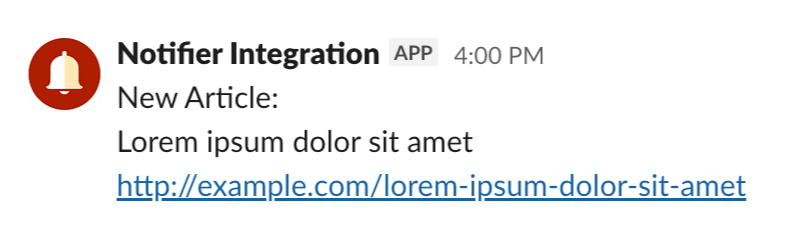
Slack uses a Slack app's bot token to post to individual channels. One bot token can post to as many channels as the bot has access to.
At least one channel is required
Before sending Slack messages, add at least one Slack Channel via Settings → Slack.
Slack Throttling
Slack throttles each channel to roughly one message per second, so a burst of notifications may not all get through.
Config
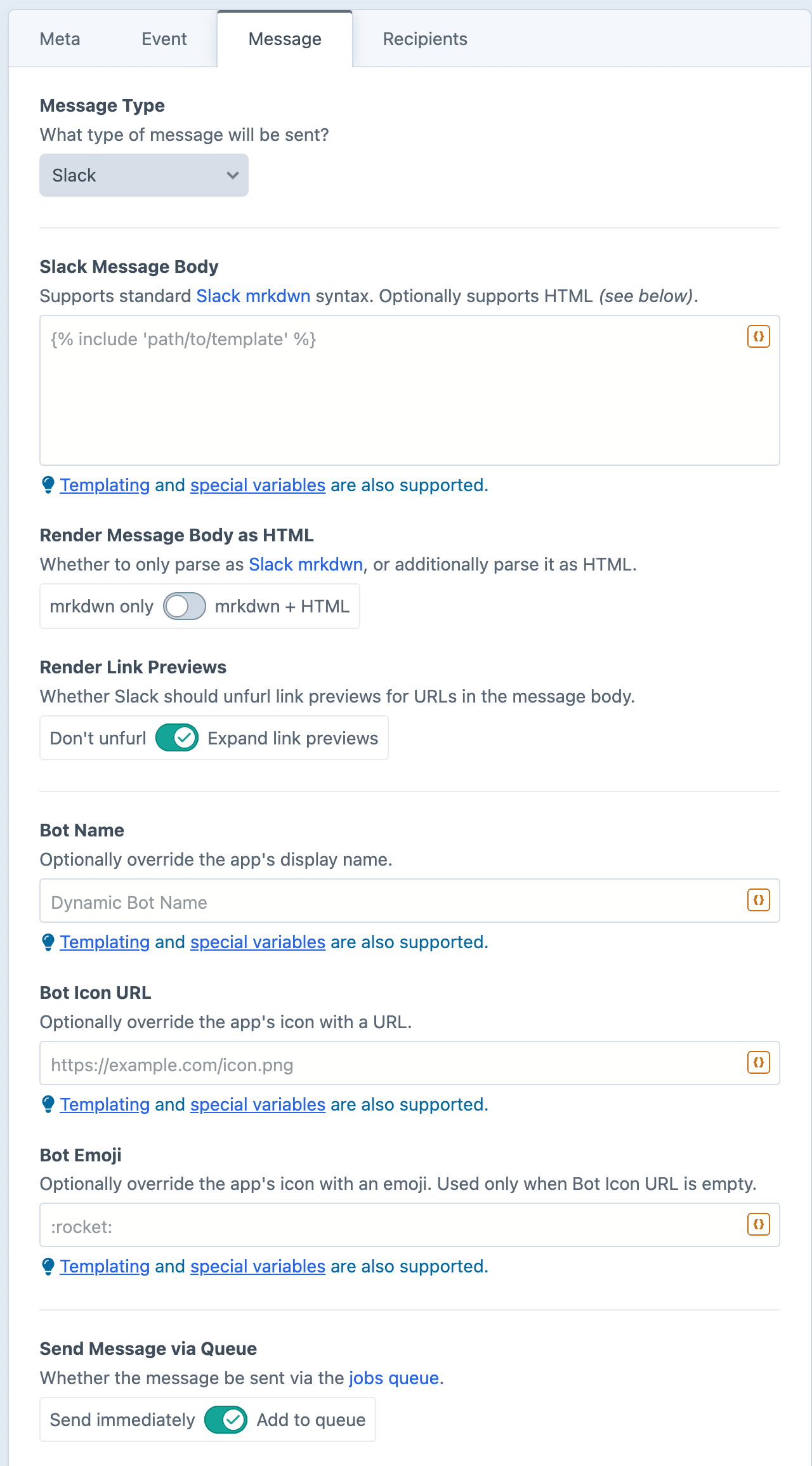
Slack Message Body
The content of your message. Supports standard Slack mrkdwn syntax, and optionally HTML (see below).
Render Message Body as HTML
By default, the body is parsed as Slack mrkdwn. When enabled, many HTML tags will also be parsed.
Render Link Previews
Whether Slack should unfurl link previews for URLs in the message body. On by default.
Bot Name
The bot's display name (e.g. "My Notification Bot") can be overridden when the message is sent. The display name can be dynamically specified via Twig, so each individual message could post under a different name.
Leave blank to use the app's default name.
Bot Icon URL
The bot's icon can be overridden when the message is sent. Must supply a complete URL for a publicly accessible image (beginning with http(s)). The URL can be dynamically specified via Twig, so each individual message could use a different icon.
Leave blank to use the app's default icon.
Bot Emoji
The bot's icon can be overridden when the message is sent, using a simple emoji (e.g. :rocket:) instead of an image. The emoji shortcode can be dynamically specified via Twig, so each individual message could use a different emoji.
Used only when Bot Icon URL is empty. Leave blank to use the app's default icon.
Dynamic Message Fields
As noted in the screenshot above, all text fields can use templating and special variables.
mrkdwn Syntax
Slack uses its own lightweight markup called mrkdwn, which differs from standard Markdown.
Here are some of the most useful tokens:
| Token | Result |
|---|---|
*bold* | bold |
_italic_ | italic |
~strike~ | |
`code` | code |
```block``` | code block |
<https://example.com|text> | link with custom text |
<@U12345> | mentions a user by Slack ID |
<#C12345|name> | links a channel |
<!here> | pings everyone currently active in the channel |
<!channel> | pings everyone in the channel (use sparingly) |
Examples
Notify the channel of a new entry
*New entry published:* "{{ entry.title }}"Include a deep link
"{{ entry.title }}" is now live: <{{ entry.url }}|view on site>Ping the channel on a high-value order
{% if order.totalPrice < 5000 %}
    {% skipMessage "Below the channel-ping threshold." %}
{% endif %}

<!here> Order {{ order.shortNumber }} for {{ order.totalPrice|currency }} just placed.
Dynamic bot icon via RSS feed
Set the Bot Icon URL with Twig, using the enclosure URL of each individual feed item:
{{ item.enclosure.url ?? '' }}