
Bluesky
Publishes a post to one or more Bluesky accounts when the notification event is triggered.
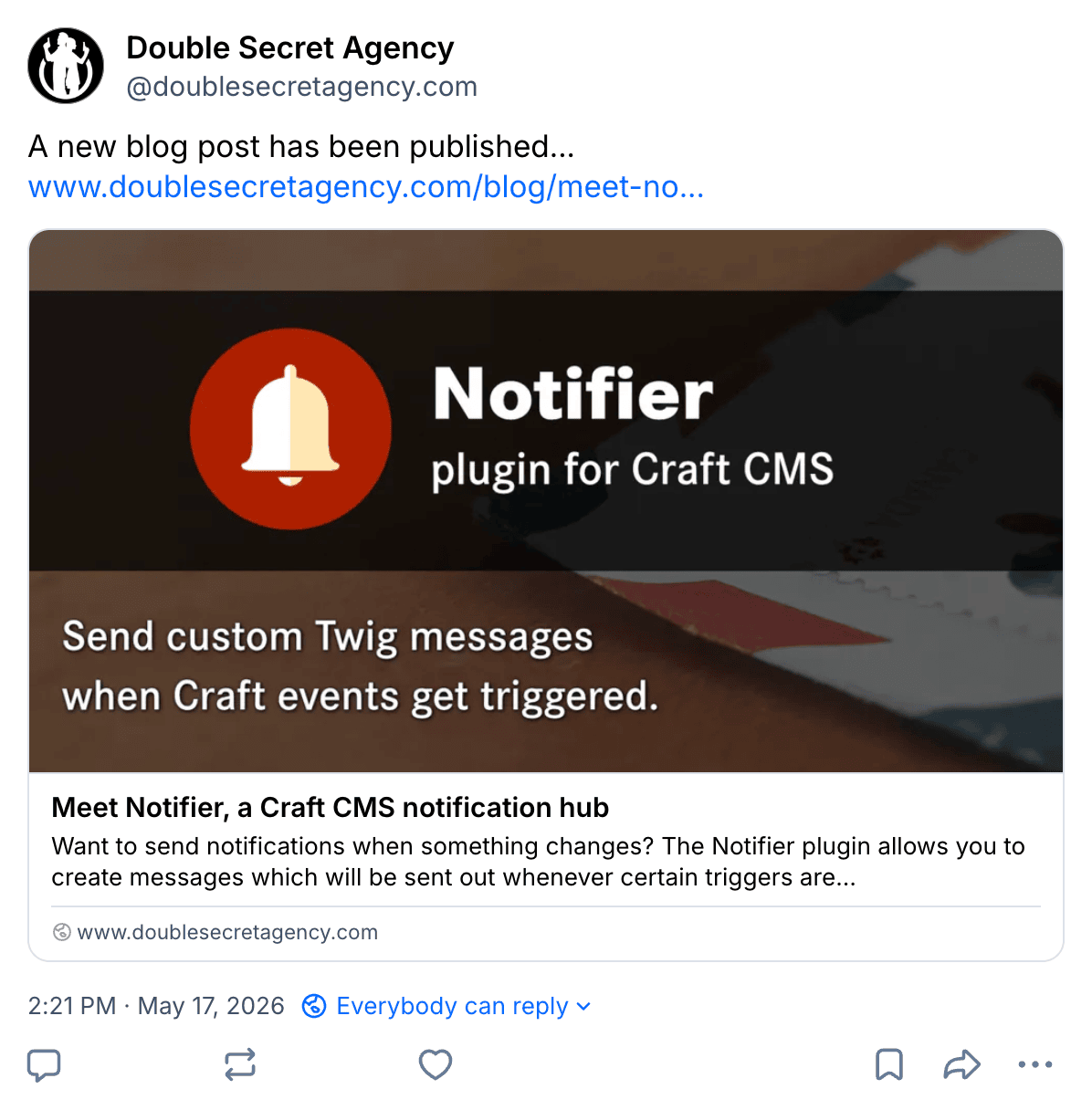
Bluesky Account Required
Before posting messages to Bluesky, add at least one account via Settings → Bluesky.
Config
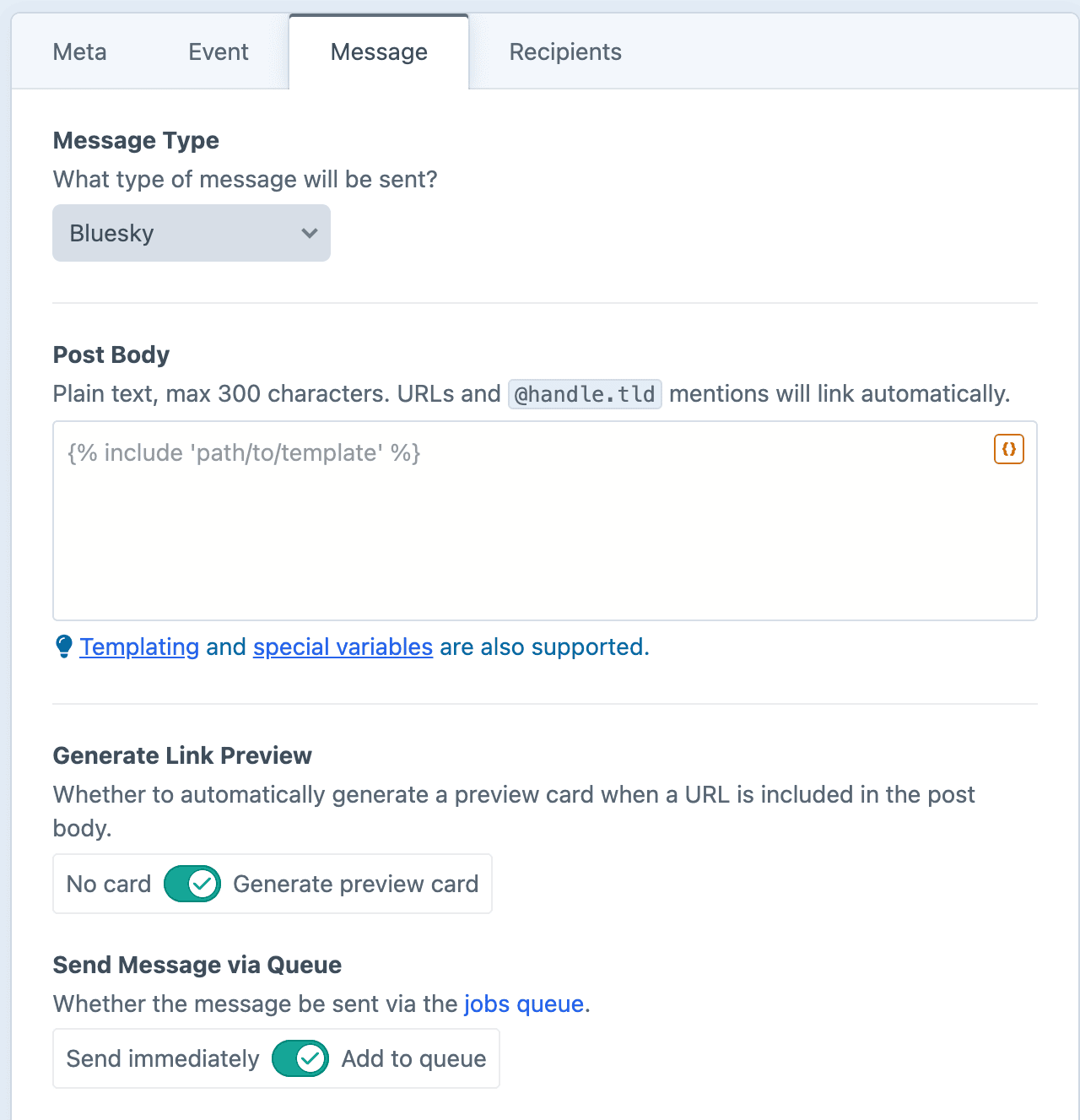
Post Body
Plain text only. Max 300 characters. URLs and @handle.tld mentions will be automatically linked. Hashtags will not.
Image Attachment
Optionally attach an image via the {% setMedia %} tag.
Generate Link Preview
This toggle (enabled by default) controls whether Notifier will attempt to generate a rich preview card based on the first link in the post. The preview card will show the linked page's title, description, and image.
Turn the toggle off to post plain links with no card.
Dynamic Message Fields
As noted in the screenshot above, all text fields can use templating and special variables.
Examples
Announce a post and credit the author
New on the blog by @{{ entry.author.username }}.bsky.social: "{{ entry.title }}"

{{ entry.url }}
Promote an upcoming event
Save the date! {{ event.title }} is happening {{ event.startDate|date('F j') }}.

{{ event.url }}
Announce a new product in the catalog
Just added to the catalog: {{ product.title }}

{{ product.url }}