
Configuring Pushover
If using Pushover to send push notifications, you'll first need a Pushover account and the following:
- A user key for each recipient, which represents the user receiving the notifications.
- A single application token, which represents the app sending the notifications.
You'll only need one application token to send notifications, but each recipient should have their own user key.
Each recipient will also need to install the client app on whichever devices they would like to receive messages on.
Cheap, but not free
After a trial period, each Pushover license is a one-time $5 charge for each device receiving messages.
Get the User Key
Each recipient needs their own Pushover account and at least one of the device clients (iOS, Android, or desktop).
(1) Find each user's Pushover key
Each Pushover account has a unique user key shown on the account page.
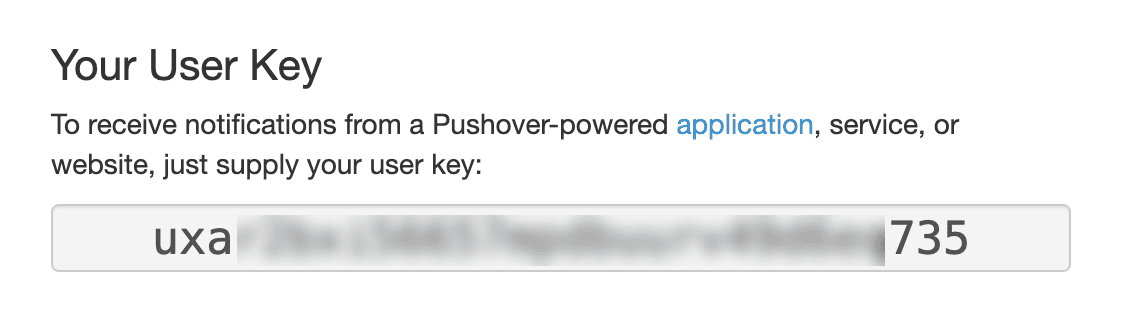
Within Craft, each potential recipient will need their own unique key stored in a field on their User profile.
(2) Create a "Pushover Key" field in Craft
Pushover keys should typically live in a Plain Text custom field on the User profile.
- Go to Settings → Users → User Profile Fields.
- Create a new Plain Text field called "Pushover Key" (or any name you prefer).
Each person can then store their own unique Pushover user key in the "Pushover Key" field of their User profile.
When configuring Pushover Notifications, you can select the "Pushover Key" field which contains their Pushover keys.
Notifications skip users without keys
Users with an empty field will be silently skipped when a notification is sent.
Get the Application Token
In Pushover's applications page, create a new application for Notifier (or reuse an existing one).
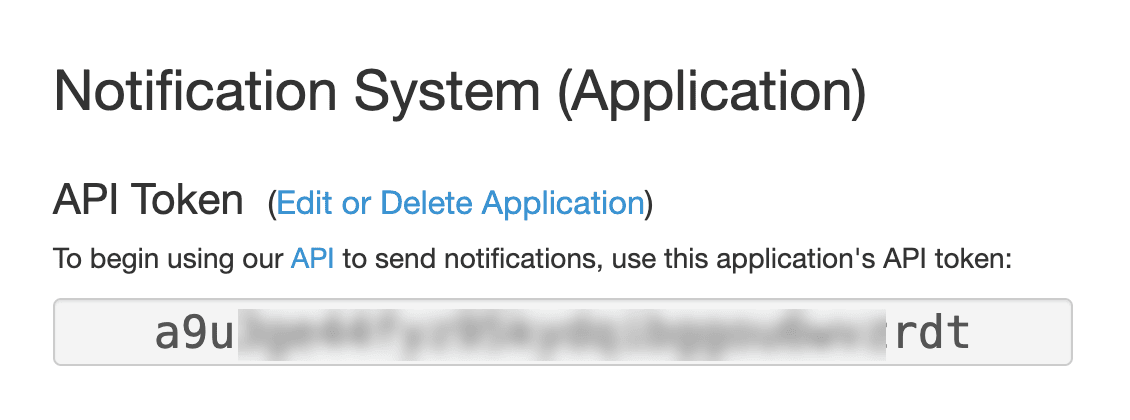
Copy the API Token, and save it into your .env file.
PUSHOVER_APPLICATION_TOKEN="a9u**************************rdt"Configure Notifier
In the Craft control panel, go to Settings → Plugins → Notifier → Pushover to set the application token.
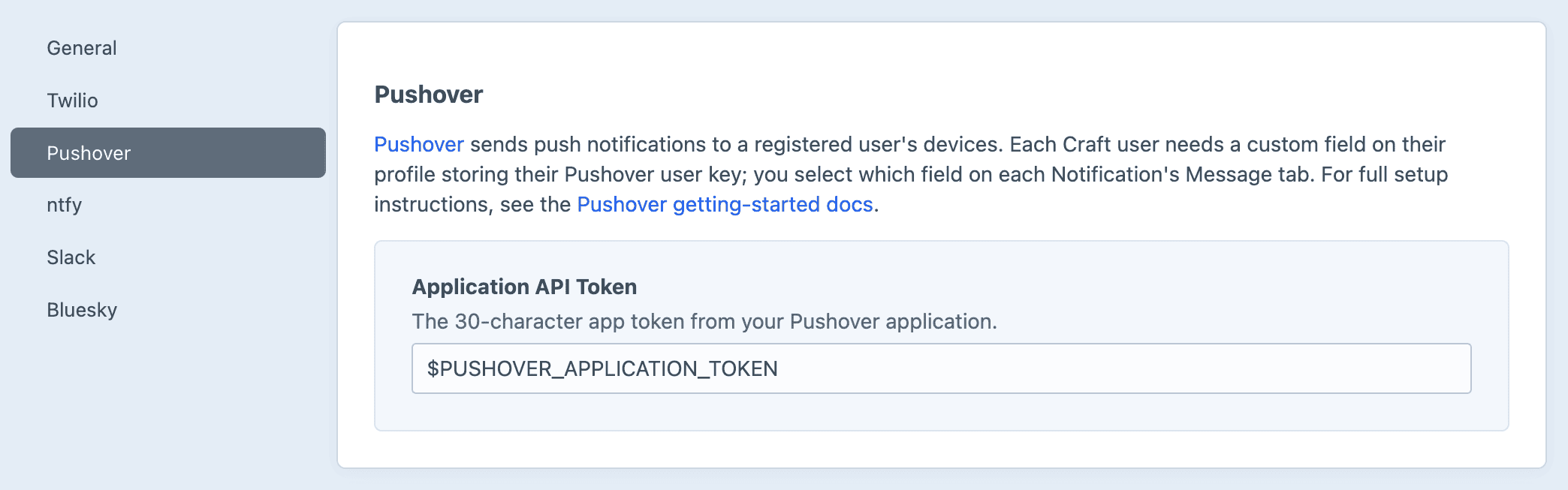
Store the application token securely
You can (and probably should) store the application token in a .env variable.