
Formie
Sends a notification when a Formie form is submitted.
Requires Formie
Only available when the Formie plugin is installed.
The notification will be triggered whenever a visitor submits a normal front-end form. Every submitted field is available in your message. You can post new submissions to a Slack channel, text your team, or use any other message types.
Formie already has excellent email support
If you only want emails from Formie submissions, you may not need another plugin. Reach for Notifier if you want Formie submissions to send via different message types which aren't covered by Formie's native integrations.
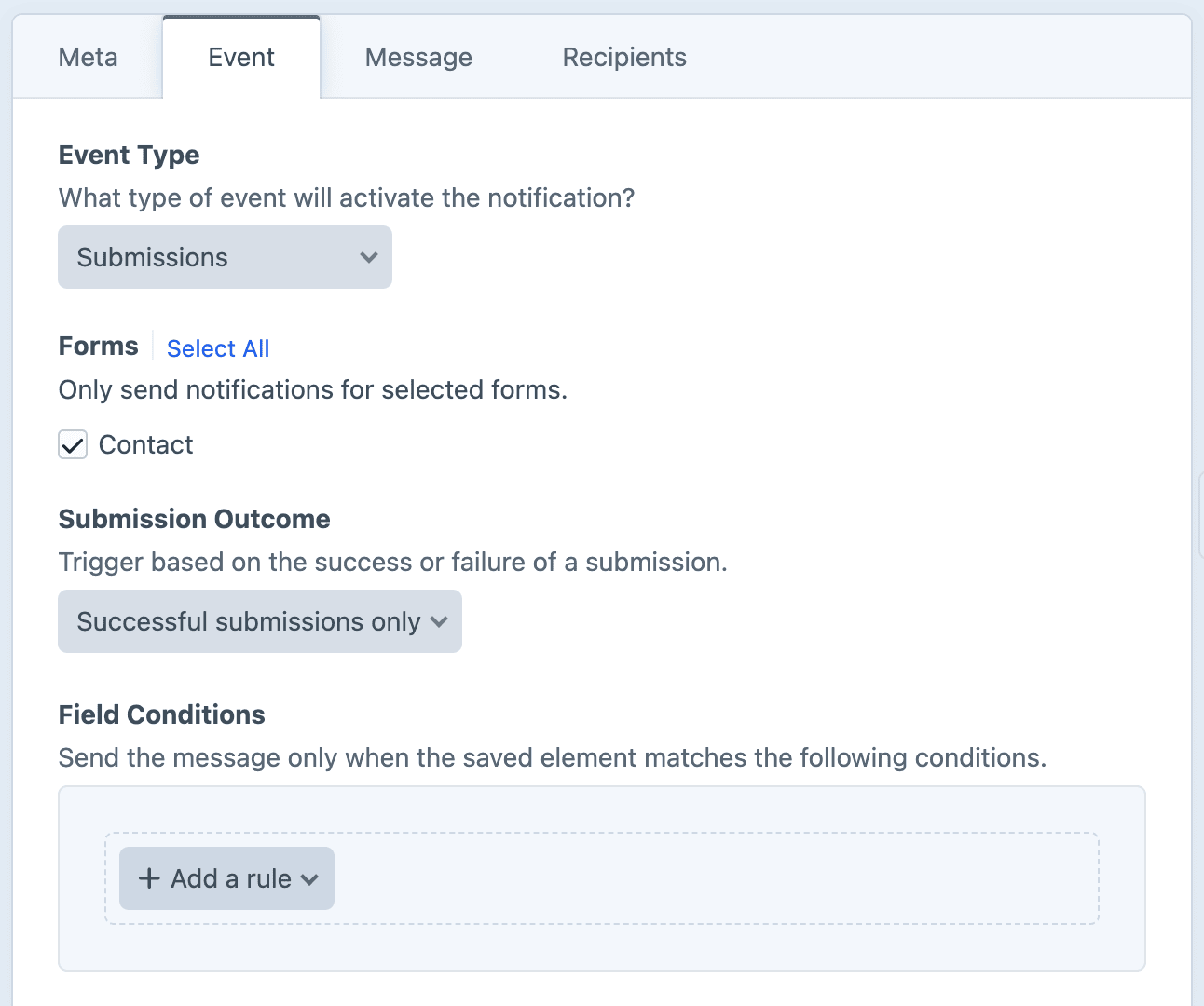
Forms
Select which form(s) will trigger the notification.
Submission Outcome
Trigger based on the success or failure of a submission.
- Successful submissions only (default)
- Failed submissions only
- All submissions
Field Conditions
Field conditions restrict the notification based on the element's content, using Craft's native conditions framework. Build a rule set against the element's attributes and field values, and the notification will be sent only when every rule matches.
Must match all conditions
The condition builder evaluates every rule with AND semantics, so each rule must pass for the notification to be sent.
Twig variables
The submission and its data are exposed through the submission, form, and success Twig variables.
See the Formie Submissions variables for the full reference and examples.