
Mastodon
Publishes a post to one or more Mastodon accounts when the notification event is triggered.
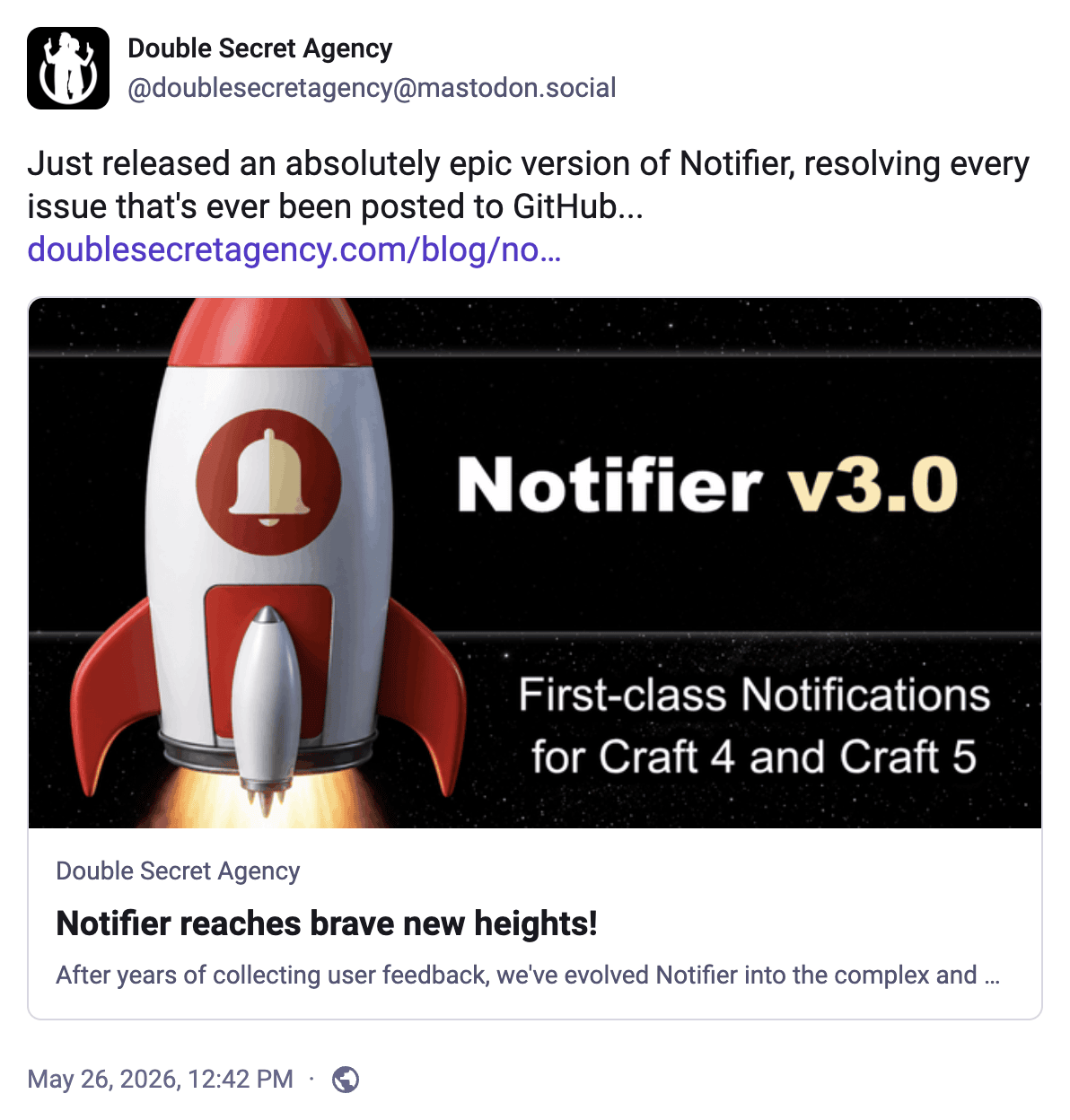
Mastodon Account Required
Before posting messages to Mastodon, add at least one account via Settings → Mastodon.
Config
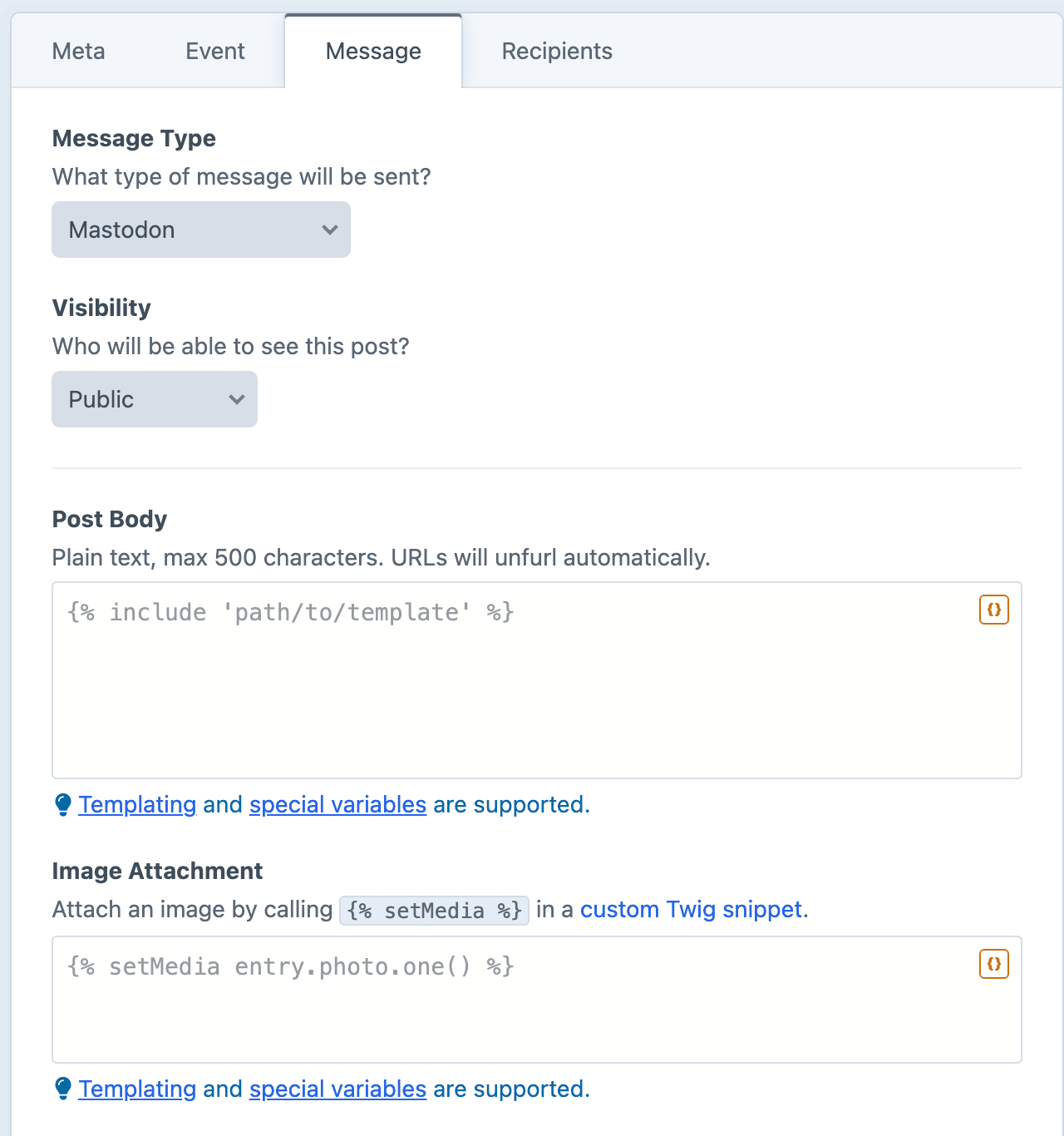
Visibility
Determines who will be able to see the post:
| Value | Meaning | POV |
|---|---|---|
| Public | Visible to everyone, shown on public timelines. | Shout it from the rooftops. |
| Unlisted | Visible to everyone, but kept off public timelines. | Said publicly, but not shouted. |
| Followers only | Visible only to the account's followers. | Shared with a private circle. |
| Direct | Visible only to the accounts mentioned in the post. | Roughly a direct message. |
Post Body
Plain text only. Most instances allow up to 500 characters, though the limit is set per instance.
URLs will automatically unfurl into preview cards.
Image Attachment
Optionally attach an image via the {% setMedia %} tag.
Dynamic Message Fields
As noted in the screenshot above, all text fields can use templating and special variables.
Examples
Announce a new entry
twig
New on the blog: "{{ entry.title }}"

{{ entry.url }}
Promote a sale or event
twig
Don't miss {{ event.title }}! Happening {{ event.startDate|date('l, F j') }}.

{{ event.url }}
Spotlight a new product
twig
Just launched: {{ product.title }}. Check it out and let us know what you think!

{{ product.url }}