
Custom Fields
Beyond the native Title field, add any number of custom fields to the Meta tab of a Notification.
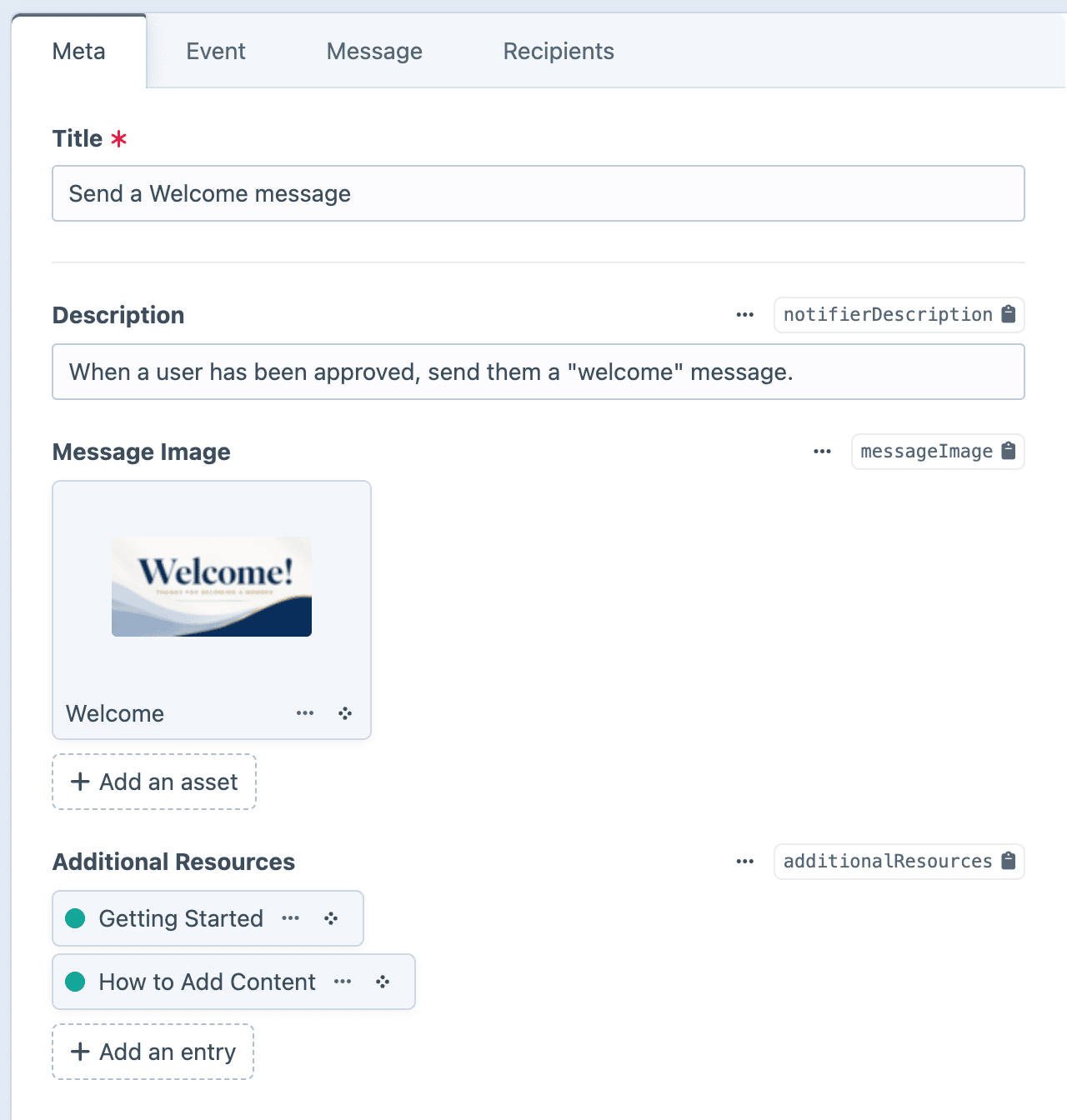
Custom fields give you greater control over what the client can edit. Field values are available under notification.<handle> in outbound messages.
If desired, you can restrict the client's user permissions, allowing them to edit only the Meta tab.
Configuring custom fields
Go to Settings → Plugins → Notifier → Notification Fields.
Drag and drop which fields you'd like to include under the Meta tab.
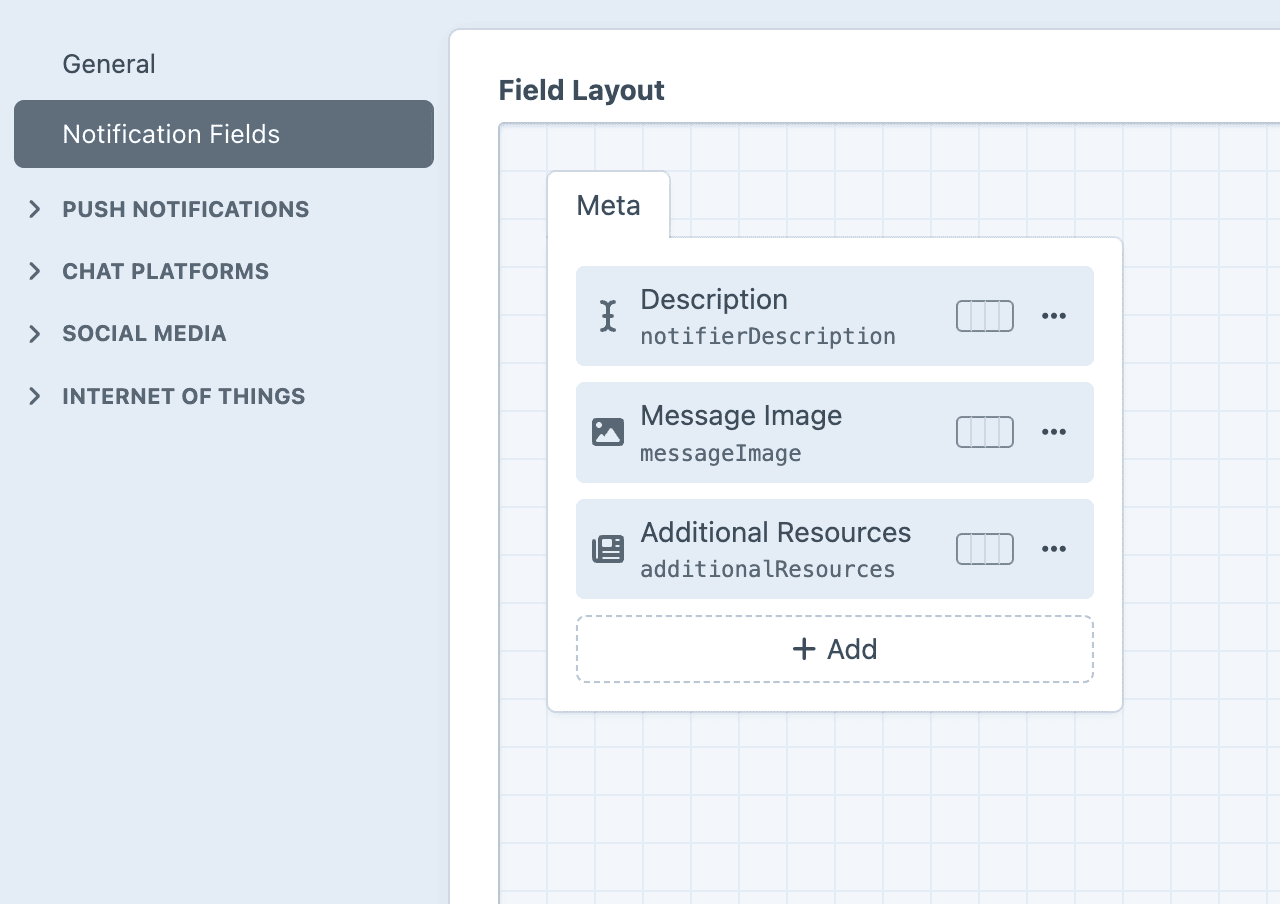
Using custom fields in a dynamic Twig template
Each custom field will be available to you within dynamic templates as notification.<handle>.
{# A plain text field #}
{{ notification.examplePlainText }}

{# A dropdown field #}
{{ notification.exampleDropdown.value }}

{# A relation field #}
{% set element = notification.exampleRelation.one() %}
The deprecated "Description" field
Prior to v3.2.0, each Notification included a fixed Description field. This has been migrated to a Plain Text custom field as notifierDescription.
Updating templates for v3.2
If you were using notification.description in your Twig templates prior to v3.2.0, update it to use notification.notifierDescription instead.
Reserved field handles
To prevent conflicts with the native fields of Notifications, the following field handles are reserved:
| Handle | Already exists as |
|---|---|
eventType | Type of trigger event. |
event | Specific trigger event. |
eventConfig | Configuration of the trigger event. |
messageType | Type of message to send. |
messageConfig | Configuration of the message. |
recipientsType | Type of recipient to send to. |
recipientsConfig | Configuration of the target recipients. |
queue | Whether or not to send via the queue. |
log | Internal logging. |
Using any of these as your custom field handle may cause collisions.
Twig sandbox
The default Twig sandbox configuration will automatically whitelist the notification.* variable
If you need to customize the sandbox, ensure that notification.* remains available if you are using it in your templates.