
Facebook
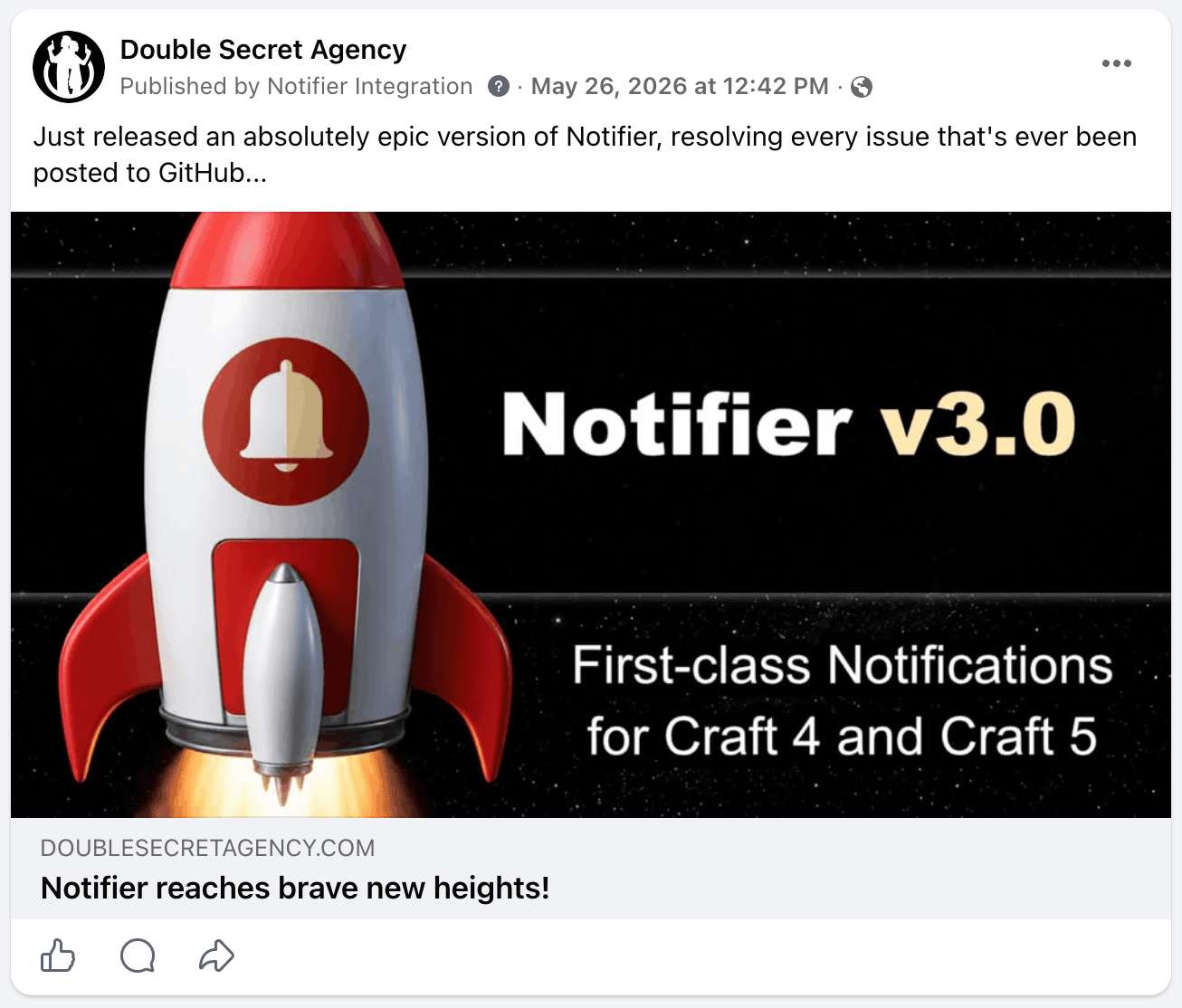
Posts to one or more Facebook pages when the notification event is triggered.
At least one page is required
Before posting, add at least one Facebook page via Settings → Facebook.
Config
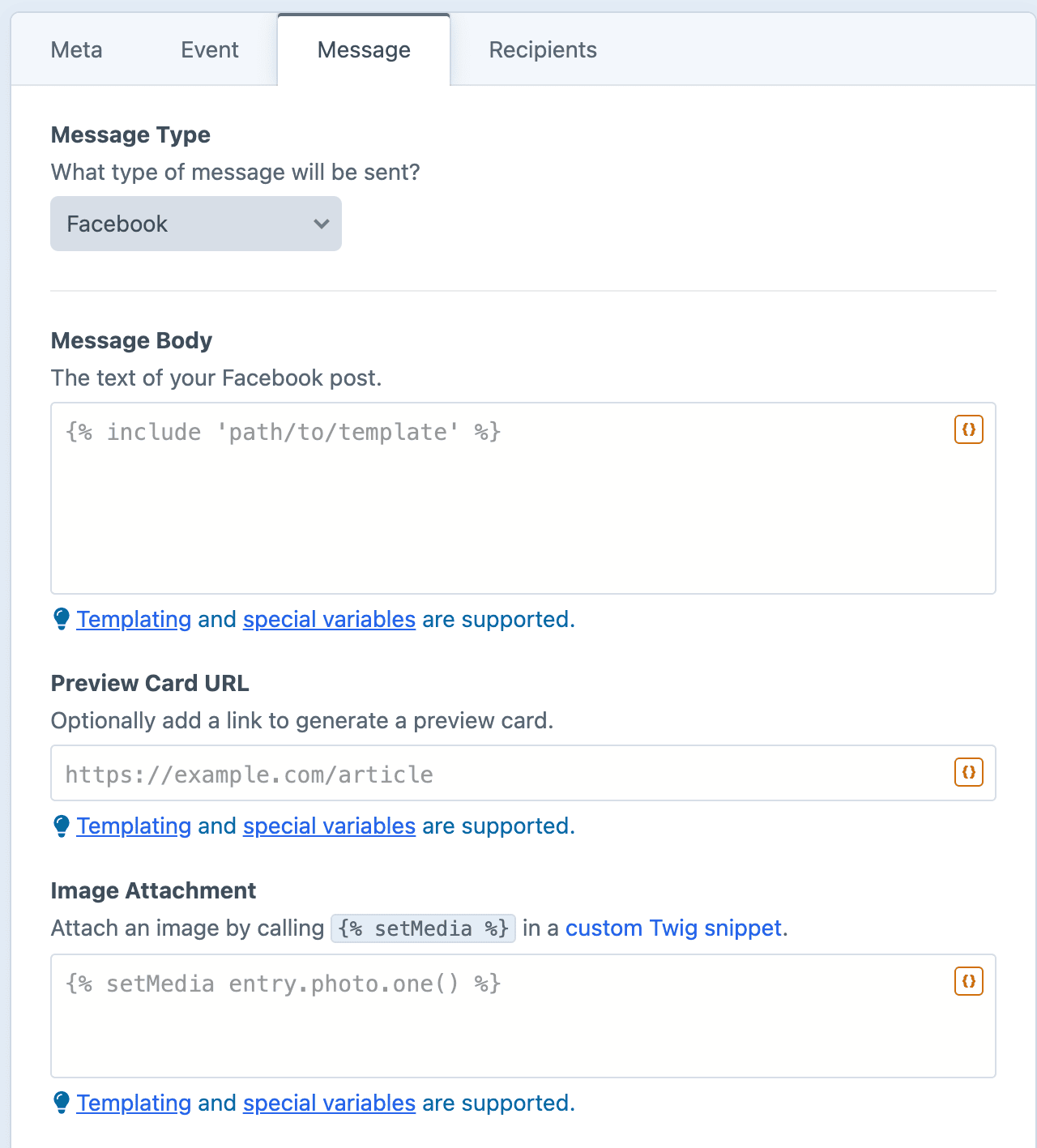
Message Body
The text of your post.
Preview Card URL
Optionally add a link to generate a preview card. The URL can be specified via Twig, so each message can link to a different page.
Image Attachment
Optionally attach a photo via the {% setMedia %} tag. When an image is attached, the post is published as a photo.
Dynamic Message Fields
As noted in the screenshot above, all text fields can use templating and special variables.
Examples
Use the Preview Card URL field
To generate a link preview card, put the URL in the Preview Card URL field (not the message body).
Announce a new entry
New on the blog: "{{ entry.title }}"

{{ entry.url }}
Spotlight a new product
Just launched: {{ product.title }}. Check it out and let us know what you think!

{{ product.url }}
Promote a sale or event
Don't miss {{ event.title }}! Happening {{ event.startDate|date('l, F j') }}.

{{ event.url }}